PanicSafe - Oct. 20, 2026 (v2642)

Stimuli timeline - BETA
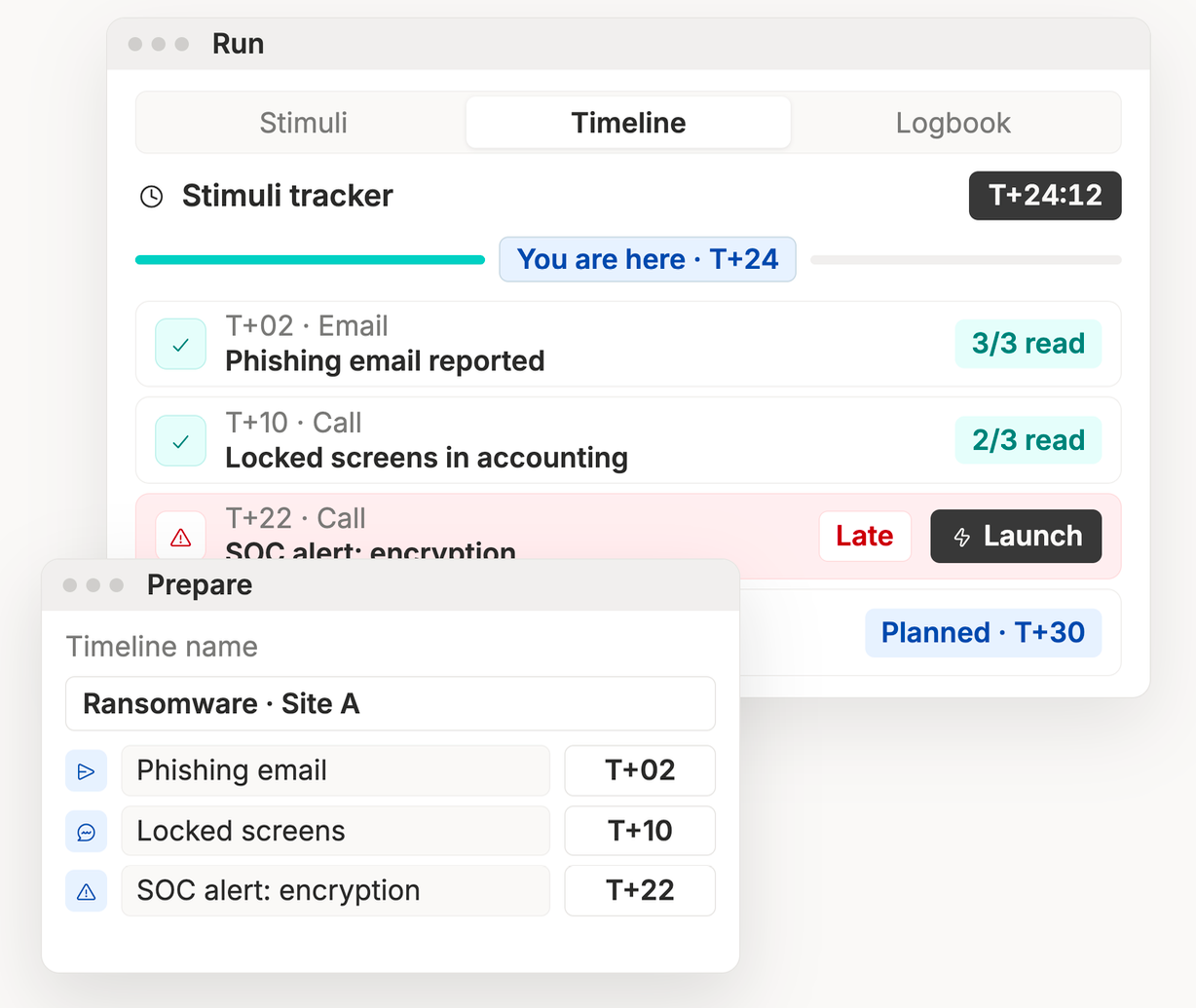
Build a timed scenario once and replay it the same way across teams, sites and clients. Pick a saved timeline when you start a simulation. Follow it from a new Timeline tab in the Control Center. A “you are here” marker shows where the exercise stands, directors launch each stimulus on cue in one click, and a badge shows how many participants acknowledged it.
Available on request: partners and customers, ask your CSM to enable it.
Required or optional steps
Mark job steps as required or optional, in the playbook editor and in the room’s Jobs tab. The cell sees at a glance what has to happen first.
Mention people in chat
Tag a member in a chat message. The mention stands out in the conversation, so the right person spots it.
Recording indicator
A live REC indicator now shows in video calls while a session is being recorded, so everyone knows.